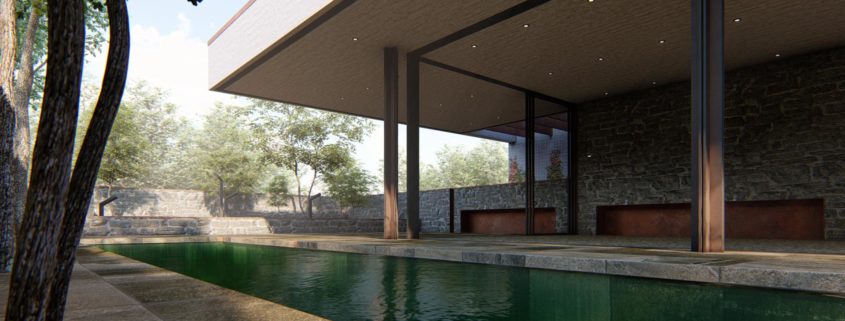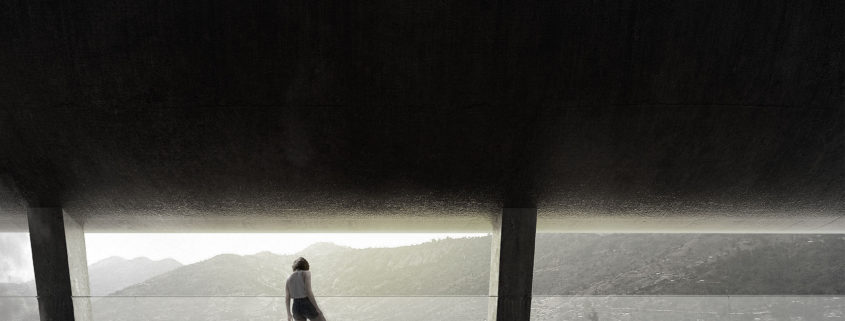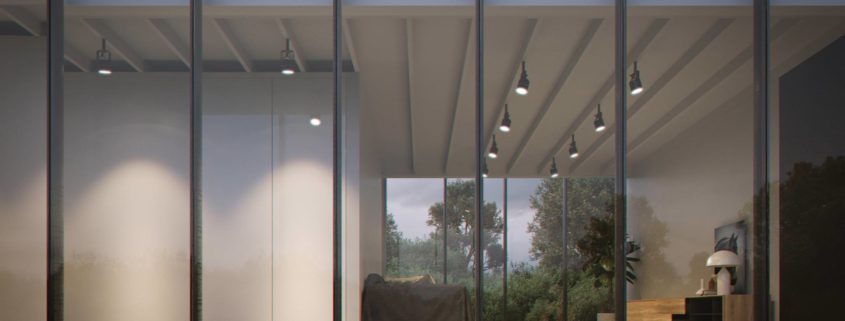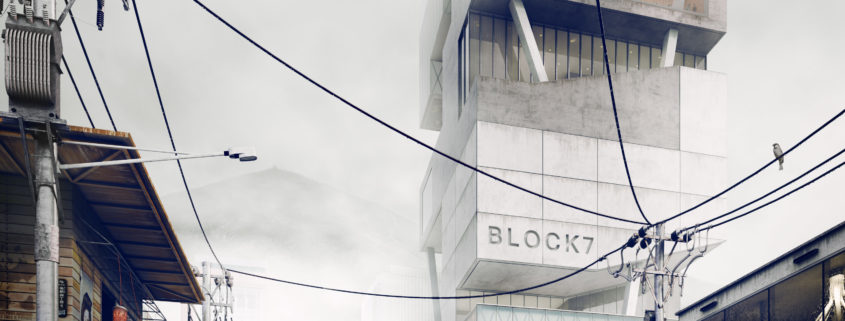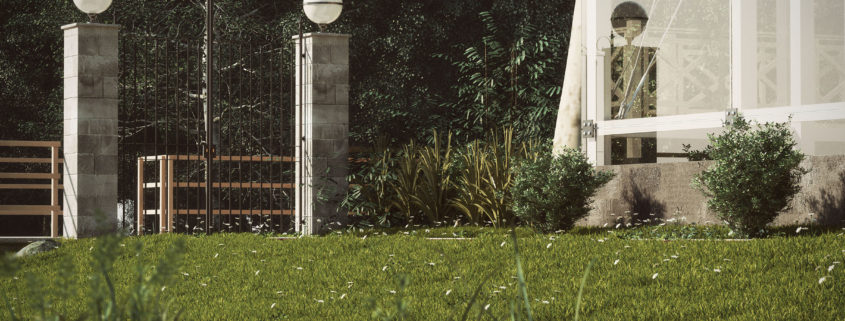




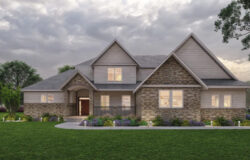



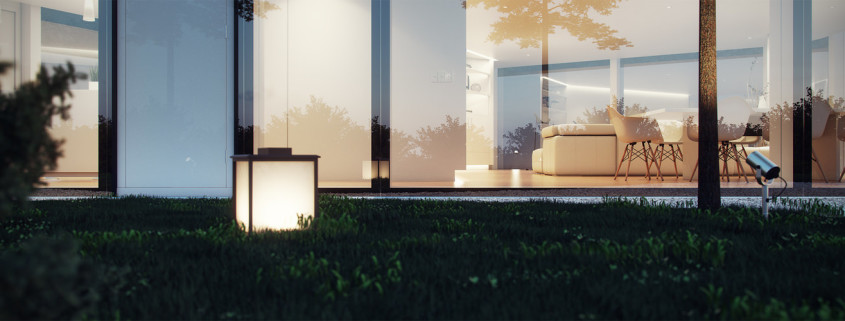
Being a distributor of software via Polytown has its perks. This is how I found out about E-On Software’s new real-time 3d tool named LumenRT Review for SketchUP. I’ve played with it for some time now and we actually use it the studio for real work, like Villa W in the image above.
Read More Post a comment (15)
I just have to share these amazing architecture visualizations by Peter Guthrie – Representing some of his best work. The design is by Gianni Botsford Architects and SketchUP was the modeling tool of choice. I use SketchUP 99% of the time for all modeling, and Peter strives to get most of it done inside SketchUP too, texturing too… the rest is good old 3dsmax & VRay. Remarkable design and visuals! enjoy.
Read More Post a comment (10)
Omar Estevez wanted to help new V-Ray for SketchUP users to learn some basic V-Ray skills, so he created a series of tutorials that explain the complete rendering process from start to finish. The videos are divided into three major categories, Illumination, Materials, and Post Production, with ten videos total. Enjoy!
Read More Post a comment (14)
2D/3D Hybrid rendering technique are really interesting, although I don’t have too many clients that prefer or ask for it, there are many things to learn that can transfer to a more photo-real inclined workflow. I previously posted about the ‘Digital Watercolor’ Technique by Scott Baumberger and now I share with you 8 videos done by Minneapolis based architectural visualization artist Les Chylinski. The following videos describe his personal hybrid workflow putting much weight on the use of Photoshop starting with a very basic 3d model rendering, done with SketchUP most of times. Enjoy.
Read More Post a comment (10)
Dirk de Jongh from DWanimations won the very first render contest hosted by ASGVIS in March 2009 for an interior render done with VRay for SketcHUP with the image you see above. He kindly shares his process with us in this first SketchUP + VRay article on the blog. I hope you’ll enjoy this article, learn from it and share your thoughts by commenting at the bottom of this article’s page.
Read More Post a comment (6)
ASGVIS 3D Artist and Trainer, Fernando Rentas, created the Vermont Verde Antique material in V-Ray for SketchUP Using basic material creation techniques as explained in the featured video tutorial “Creating Vermont Verde Antique”. Fernando was able to match the rich green color and unique light green and white veins by looking at a small sample of the marble. Check out the video below, it is very informative and the result is remarkably good.
Read More Post a comment (3)